Ceiling Fan Still Wobbles After Balancing the Blades? Fix It Now
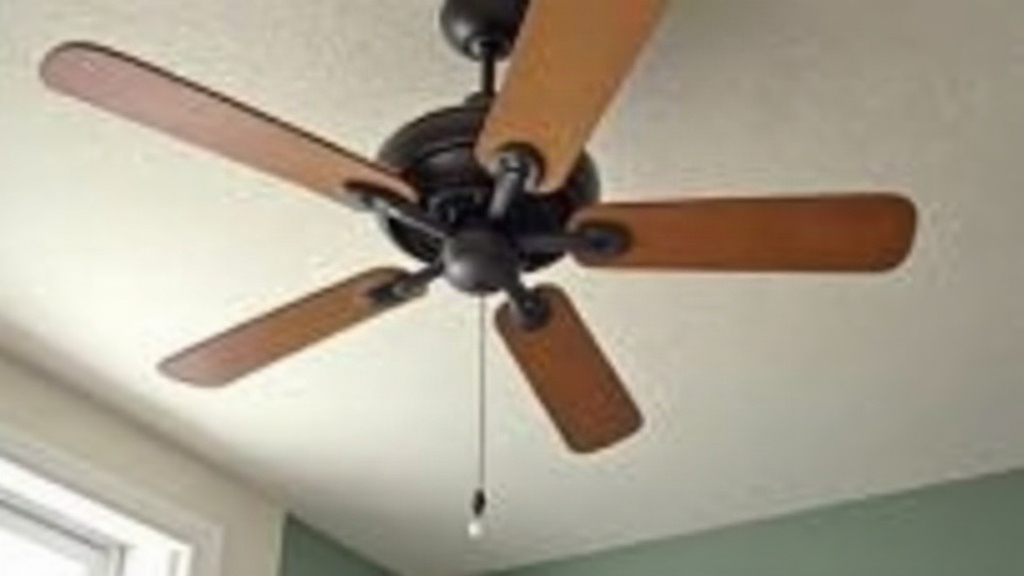
If your ceiling fan still wobbles after you’ve tried a balancing kit and fiddled with the blades, the real culprit is almost never the blades. It’s usually the mounting bracket, the downrod, the motor housing, or the electrical box holding the whole thing up. Balancing kits only correct small weight differences between blades. They can’t fix a loose connection, a warped downrod, or a ceiling box that was never rated to handle a fan in the first place. Here’s a systematic way to track down what’s actually going on.
Why Balancing Kits Don’t Always Work
A blade-balancing kit (usually just a clip plus a few adhesive weights) assumes your wobble comes from uneven blade weight or a slightly bent blade arm. That’s the case maybe half the time, honestly. The other half, the shake is coming from mechanical looseness or a structural issue somewhere, and no amount of clip-and-weight fiddling will ever solve that.
Step 1: Check the Mounting Bracket and Ceiling Box
This is, by far, the most commonly overlooked cause.
- Turn off power at the breaker. Not just the wall switch, the breaker.
- Remove the fan’s canopy (that decorative cover tucked against the ceiling) to expose the mounting bracket underneath.
- Check whether the bracket is screwed directly into a fan-rated electrical box, not a standard light-fixture box. Standard boxes simply weren’t designed to absorb the dynamic load of a spinning fan. They flex under that load, and the wobble gets worse the longer you run it.
- Tighten every single screw connecting the bracket to the box. A bracket that shifts even a millimeter under load shows up as visible wobble way out at the blade tips.
If your box isn’t fan-rated, swap it for a listed fan-rated box (metal, braced to a joist, or fitted with a brace bar) before you reinstall anything else.
Step 2: Inspect and Tighten the Downrod
The downrod is that pipe connecting the motor housing down to the mounting bracket.
- Make sure it’s screwed in fully and the set screw is actually tight. A partially threaded downrod wobbles just like a loose bolt would.
- Check that the downrod isn’t bent. Even a slight bend, maybe from rough shipping or a sloppy previous install, throws off the entire rotation axis. Roll it on a flat surface; if it doesn’t lie flush, it’s bent, and you’ll need a new one.
- Confirm the ball-and-socket joint at the top of the downrod (if your model has one) sits correctly in the mounting bracket’s cup. A joint that’s even slightly off-center will wobble no matter how perfectly balanced your blades are.
Step 3: Tighten Every Blade Screw and Bracket Arm
- Blade irons (the metal arms that each blade hangs from) attach to the motor housing with screws that work themselves loose over time from vibration. Check all of them, not just the ones that look obviously loose.
- Check the screws connecting each blade to its iron too. One loose screw lets a single blade flex slightly mid-rotation, and that creates a rhythmic, almost pulsing wobble.
- Make sure all the blade irons match, same model, same shape. Mismatched replacement blades (different brand, different length) are a surprisingly common cause of wobble that no balancing kit will ever fully fix.
Step 4: Check Blade Warping and Length
- Lay each blade flat on a table. Warped blades (common in humid bathrooms or sunrooms where the wood or plastic takes a beating) create uneven air resistance and wobble even when they’re technically balanced for weight.
- Measure from the center of the motor out to the tip of each blade. If you find a gap of more than roughly 1/4 inch between blades, at least one of them is bent or simply doesn’t match the set.
Step 5: Tighten the Motor Housing Screws
Pop open the top motor housing cover, if you can get to it, and check the screws holding the motor assembly together. These loosen gradually from months of vibration, and a loose motor housing can wobble entirely on its own, independent of whatever’s happening with the blades.
Step 6: Re-Balance With the Kit, This Time Correctly
Once everything above checks out, redo the balance test the right way:
- Run the fan on low and figure out which side feels heavier, using the included clip on each blade edge one at a time.
- Attach the clip, run the fan again, and see if the wobble actually improves.
- Once you’ve located the right blade, swap the clip for the adhesive weight at that exact spot.
- Test on low, medium, and high. A wobble that’s fixed on low but creeps back at high speed usually points right back to a mechanical issue (Steps 1 through 3), not a weight problem.
When to Call a Professional
If you’ve gone through the box, the downrod, the blade irons, and the motor housing and the wobble is still there, especially if it comes with grinding noise, the fan dropping slightly mid-rotation, or visible gaps around the ceiling canopy, stop using it and call a licensed electrician. A fan that’s structurally unstable at the ceiling connection isn’t just annoying. It’s an actual safety hazard.
Conclusion
A ceiling fan that keeps wobbling after a balancing attempt almost always has its real problem hiding upstream of the blades: a non-fan-rated box, a loose bracket, a bent downrod, or blade irons that have worked themselves loose. Work through the mounting hardware first, then go back and re-run the balance test. Nine times out of ten, the wobble disappears once those structural connections are properly tightened, no extra weights needed.